Extension downloads
Our latest available packages.
Download directly from ezyNet. These packages have not been approved or published on OpenCart Marketplace. Version and theme support vary by extension.
Release candidatev1.1.0
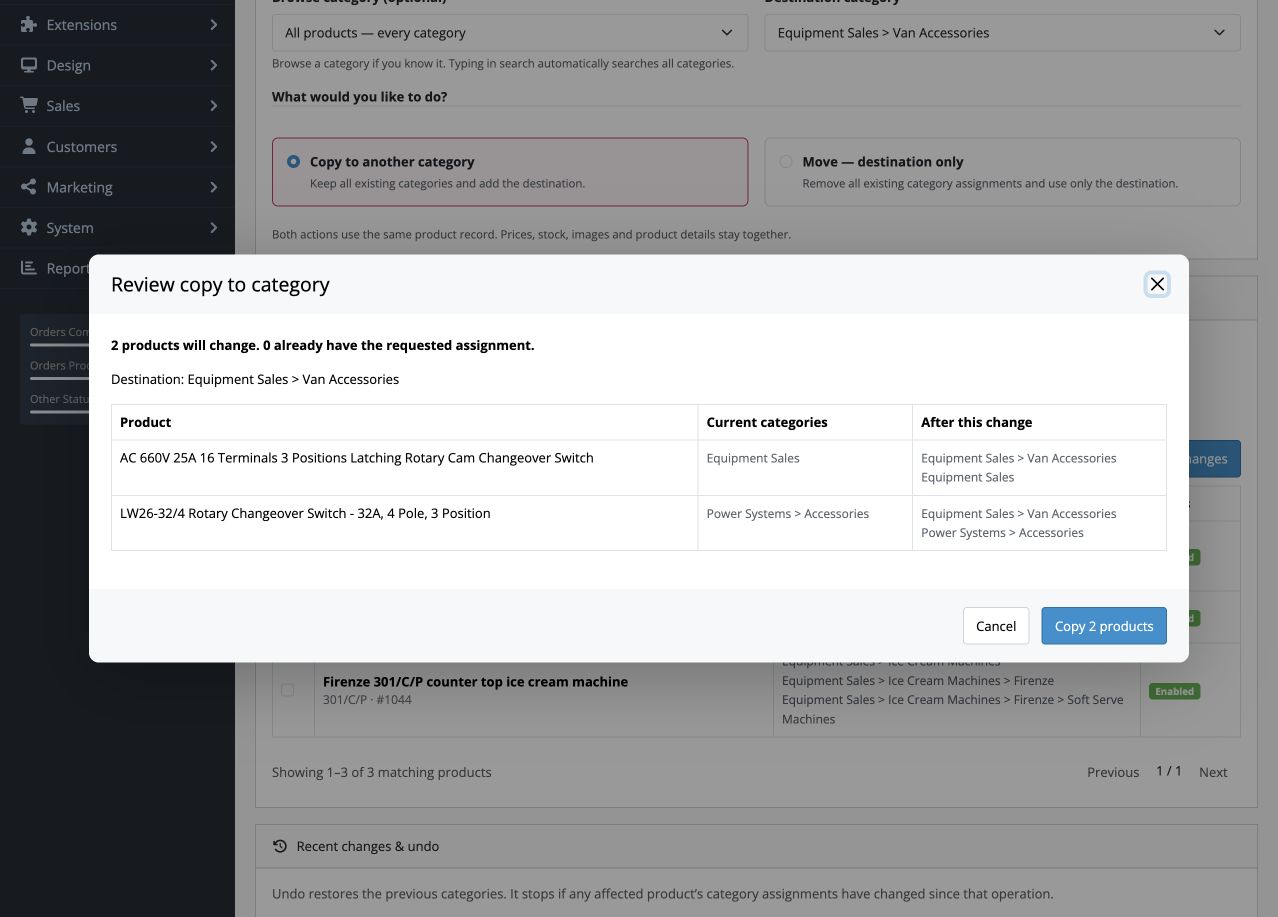
ezyNet Move / Copy Products
Search the whole catalogue, copy or move products between categories, preview every change and undo safely. Product options and prices stay together.
OpenCart 4.1.0.4 · OpenCart 3 candidate
Separate Installer ZIPs · InnoDB required
View details & screenshots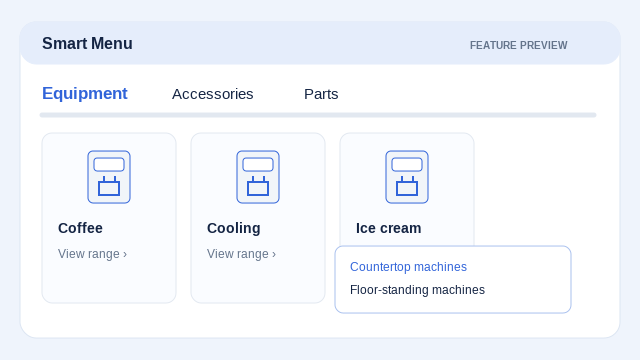
Release candidatev1.0.0
ezyNet Smart Menu
Image dropdowns, nested flyouts and mobile controls. Automatically includes new categories, with individual visibility, order and label settings.
OpenCart 4.1.0.4 · Default theme
Native Installer ZIP
View details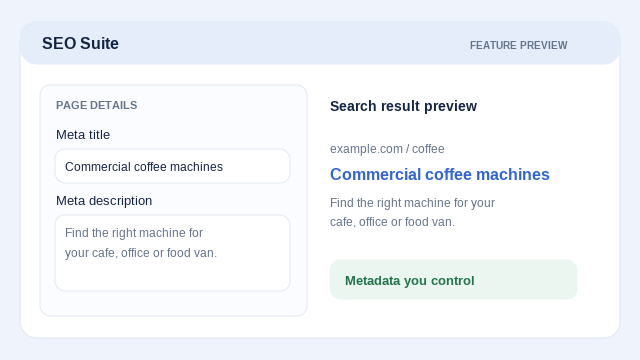
Release candidatev1.0.0
ezyNet SEO Suite
Manage SEO metadata, URL checks and sitemap tools from your store administration.
OpenCart 4.1.0.4
Native Installer ZIP
View details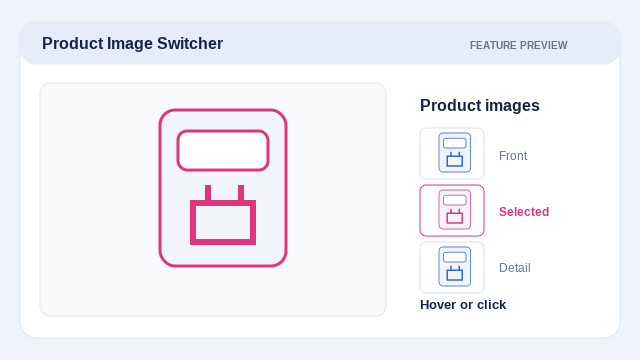
Release candidatev1.0.0
ezyNet Product Image Switcher
Preview another product image by hovering over or selecting its thumbnail.
OpenCart 4.1.0.4 · Default theme
Native Installer ZIP
View details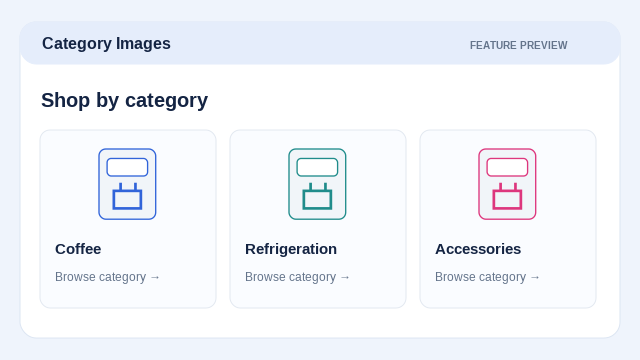
Release candidatev1.0.0
ezyNet Category Images
Add configurable imagery to storefront category navigation and category displays.
Live tested on OpenCart 4.1.0.4
Native Installer ZIP
View details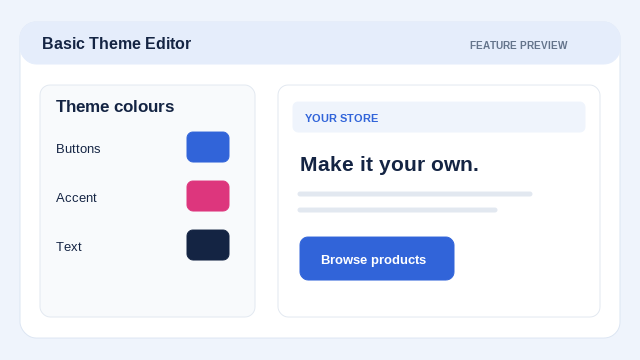
Betav0.9.0-beta.2
ezyNet Basic Theme Editor
Edit selected colours and storefront wording through administration. Installs disabled; supports the Basic theme.
OpenCart 4 · Basic theme only
Native Installer ZIP
View details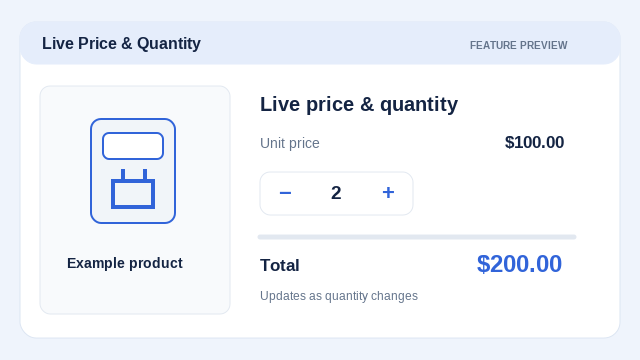
Developer previewv0.1.0
ezyNet Live Price & Quantity
Quantity controls and live totals for selected product options, using store tax and currency settings. Zero-price enquiry products are skipped.
OpenCart 4.1.0.4 · Default theme
PHP CLI installation required
View detailsBefore you install
Keep an off-server backup and try the extension on a staging copy first. Read the included documentation and check the version and theme shown above. Custom themes and other extensions may need compatibility work.
Native Installer ZIP: keep the downloaded filename unchanged. In OpenCart, use Extensions → Installer to upload and install the package, then Extensions → Extensions → Modules to install and configure the module. Grant administrator permissions when required.
Live Price & Quantity: this development package uses a PHP command-line installer. Follow its included README; it is not an OpenCart Installer upload.
Download checksums (SHA-256) · Get installation help
Still in development
Product and Image Remover is not yet available for download.
Release standards
Useful, understandable and safe to try.
Every extension should make the store easier to run and make its behaviour clear before installation.
01Clear purpose
Features are included because they solve the stated store-management problem—not to make the list longer.
02Tested release
Compatibility and behaviour are checked before a stable public release is presented.
03Documented support
Installation, supported versions, limitations, updates and support paths are made clear.