
ezyNet Basic Theme Editor
Adjust selected theme colours and common storefront wording.
Beta Version 0.9.0-beta.2
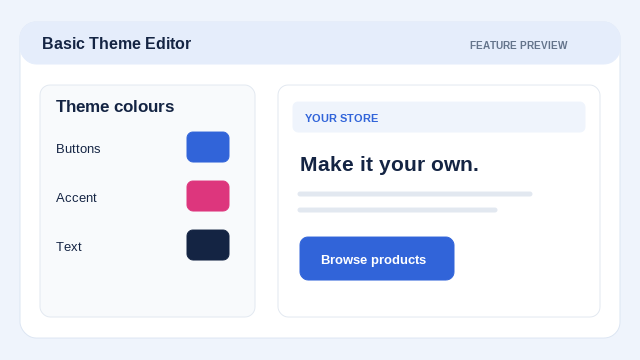
What it does
Capabilities
- Manage supported colour choices from the administration interface.
- Edit selected common storefront wording.
- Installs disabled so settings can be reviewed before activation.
- Blocks publishing when the selected theme is unsupported.
Version & theme compatibility
- OpenCart
- Target: OpenCart 4.1.0.4
- Theme
- Built-in Basic theme only
- Package
- Native OpenCart Installer package
- Release status
- Beta · Not published or approved on OpenCart Marketplace
Scope and limitations
This is a beta build for the Basic theme, not a general-purpose page builder. Other OpenCart versions and third-party themes are not certified for this download.
Installation & download
Keep an off-server backup of your files and database, and try the extension on a staging copy first. Check the compatibility above before downloading.
- Download the ZIP below and keep its filename unchanged.
- Open Extensions → Installer in OpenCart admin, upload the ZIP and install the package.
- Open Extensions → Extensions → Modules, install the module and review its settings.
- Read the included documentation for extension-specific steps and permissions.
SHA-256 checksums · Native OpenCart Installer package