
ezyNet Category Images
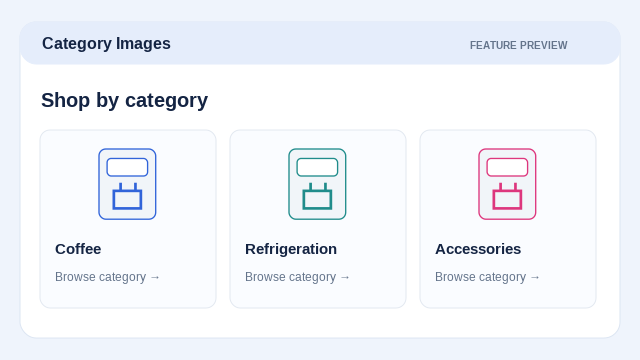
Turn the category page’s Refine Search list into image tiles.
Release candidate Version 1.0.0
What it does
Capabilities
- Automatically displays the current category’s immediate child categories as image tiles.
- Uses images managed in Catalog → Categories.
- Configure image dimensions and separate mobile, tablet and desktop column counts.
- Optional placeholders and product counts.
- Lazy-loaded accessible images; disabling restores the native category output.
Version & theme compatibility
- OpenCart
- OpenCart 4.1.0.0–4.1.0.4
- Theme
- Default category-page template
- Package
- Native OpenCart Installer package
- Release status
- Release candidate · Not published or approved on OpenCart Marketplace
Scope and limitations
Live clean-store testing completed on 4.1.0.4; 4.1.0.0–4.1.0.3 have compatibility checks rather than equivalent live coverage. Existing category-template replacements cause the module to leave the page untouched. Released under GPL v3 or later.
Installation & download
Keep an off-server backup of your files and database, and try the extension on a staging copy first. Check the compatibility above before downloading.
- Download the ZIP below and keep its filename unchanged.
- Open Extensions → Installer in OpenCart admin, upload the ZIP and install the package.
- Open Extensions → Extensions → Modules, install the module and review its settings.
- Read the included documentation for extension-specific steps and permissions.
SHA-256 checksums · Native OpenCart Installer package