
ezyNet Product Image Switcher
Let shoppers inspect product photos without leaving the product page.
Release candidate Version 1.0.0
What it does
Capabilities
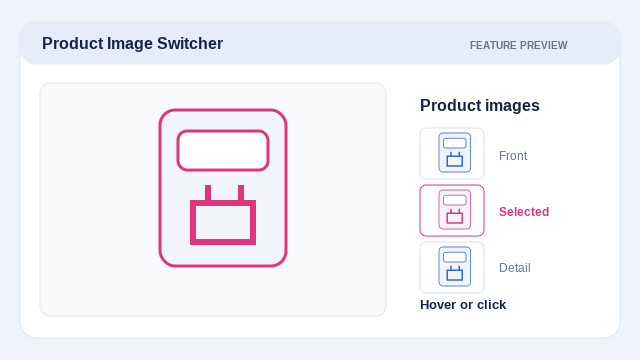
- Hover over a product thumbnail to replace the main displayed image.
- Select a thumbnail by clicking or tapping to display that image.
- Uses the product images already entered in OpenCart.
- Event-based integration without overwriting OpenCart core files.
- Disable or uninstall the module to remove its integration.
Version & theme compatibility
- OpenCart
- OpenCart 4.1.0.4
- Theme
- Default product-page gallery
- Package
- Native OpenCart Installer package
- Release status
- Release candidate · Not published or approved on OpenCart Marketplace
Scope and limitations
Requires multiple product images to demonstrate switching. Third-party gallery, zoom and custom-theme integrations need compatibility testing. A fresh native Installer lifecycle across other stores remains part of release testing.
Installation & download
Keep an off-server backup of your files and database, and try the extension on a staging copy first. Check the compatibility above before downloading.
- Download the ZIP below and keep its filename unchanged.
- Open Extensions → Installer in OpenCart admin, upload the ZIP and install the package.
- Open Extensions → Extensions → Modules, install the module and review its settings.
- Read the included documentation for extension-specific steps and permissions.
SHA-256 checksums · Native OpenCart Installer package